Live websites
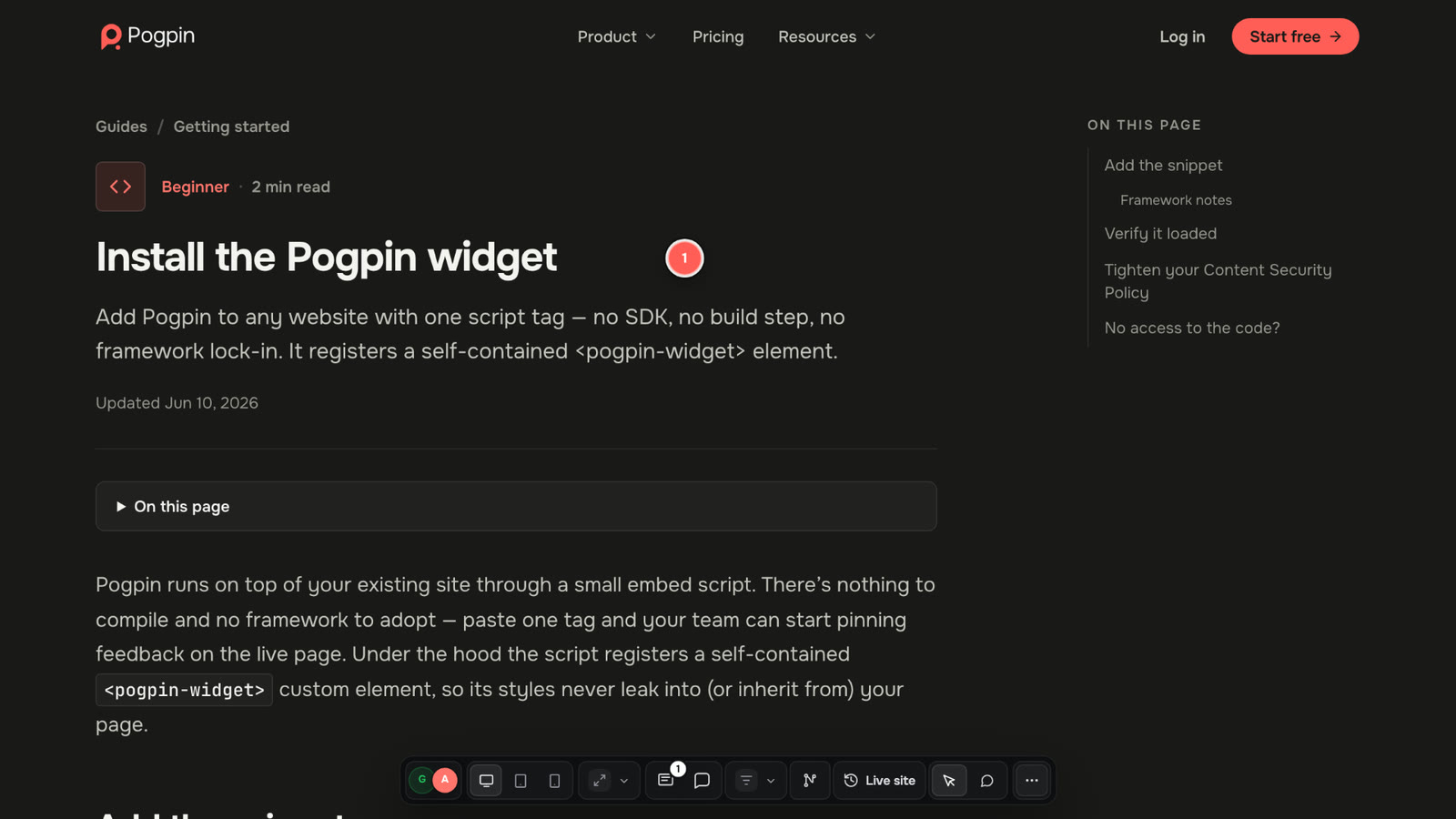
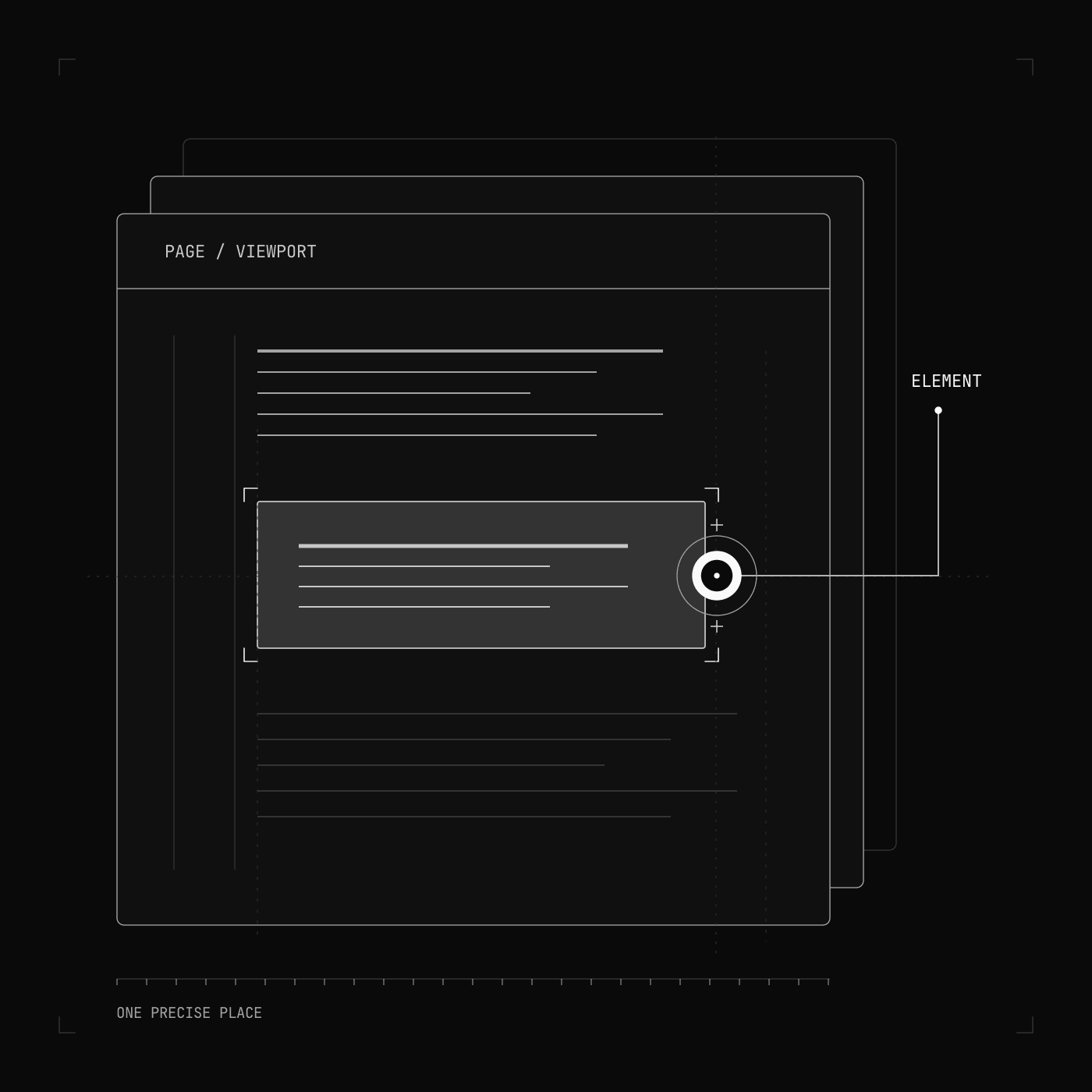
Pin the real page, not a screenshot of it. Review production, staging or a site behind a login through a link, the widget or the Chrome extension.
 Pogpin
Visual feedback for live sites, PDFs, images and video. One link. Every detail.
Turn “something’s off” into something you can ship. Pin feedback on live sites, PDFs, images and video. Pogpin keeps the context, conversation and next step together.
“That button, on that page, at that width.” A pin says all of it. Clients click the thing that’s wrong without writing a bug report.
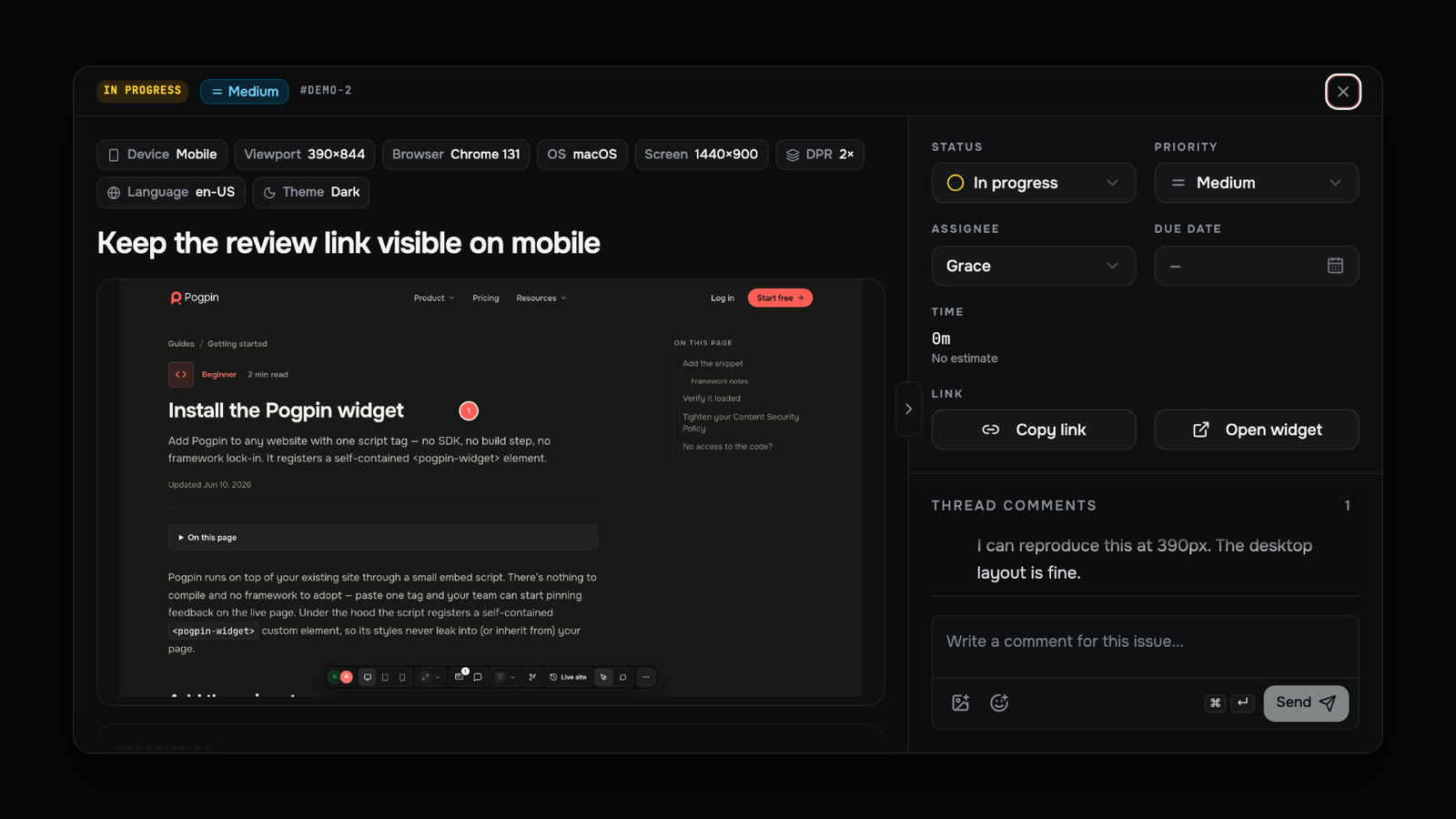
Browser, viewport, page URL and the exact element travel with every site pin. PDFs keep their page. Videos keep their timecode.
Discuss, assign and resolve in one shared workspace. No screenshot folders, scattered threads or second tracker to keep in sync.
Different files. Same feedback loop. One pin format across everything your team reviews.
Explore the productPin the real page, not a screenshot of it. Review production, staging or a site behind a login through a link, the widget or the Chrome extension.
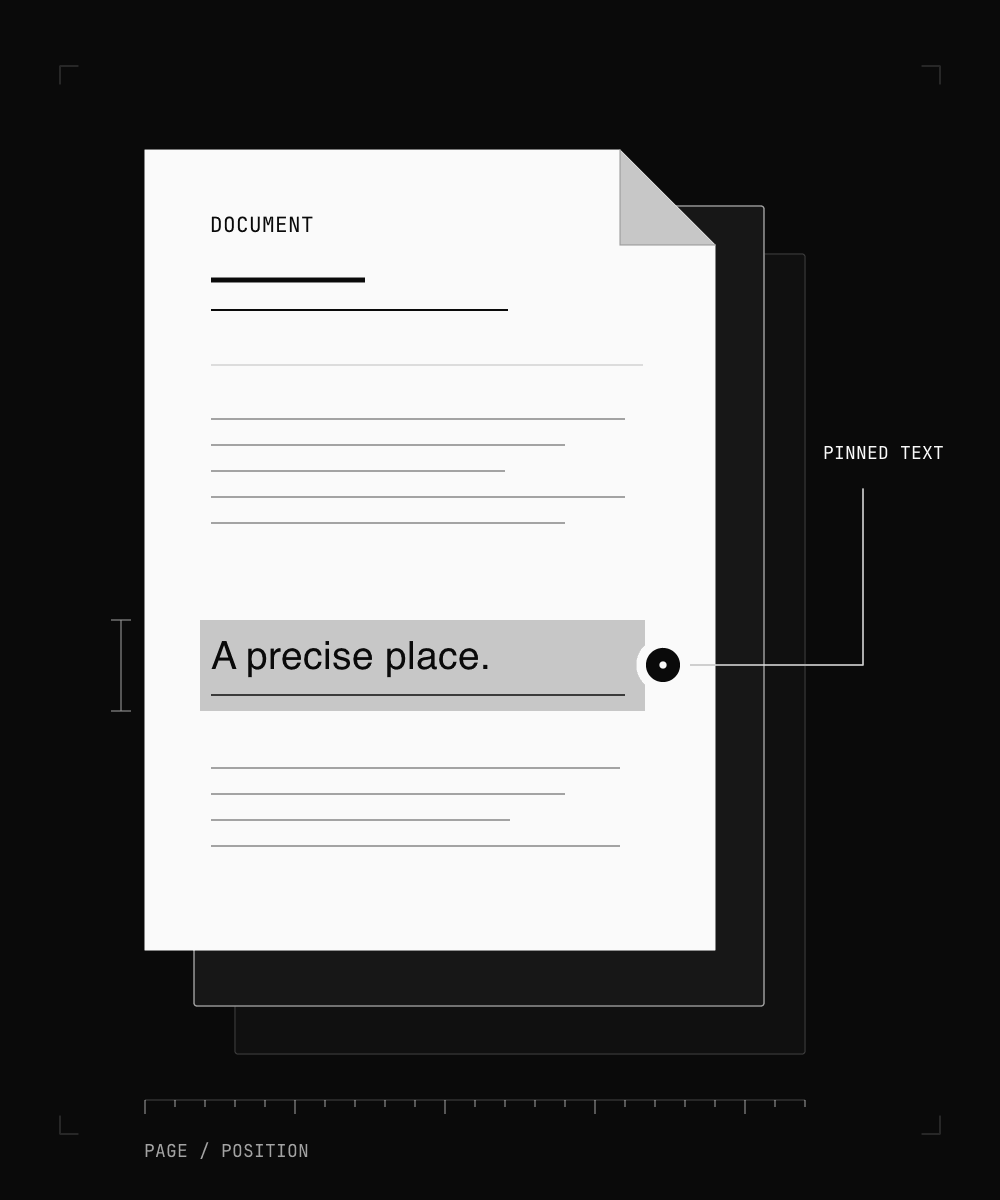
Review a deck, a contract or a print proof page by page. Select the text you mean and keep every comment anchored to its place in the document.
Drop in a design export, a banner or a screenshot. Pins stay relative to the image, so everyone sees the same spot at any zoom level.

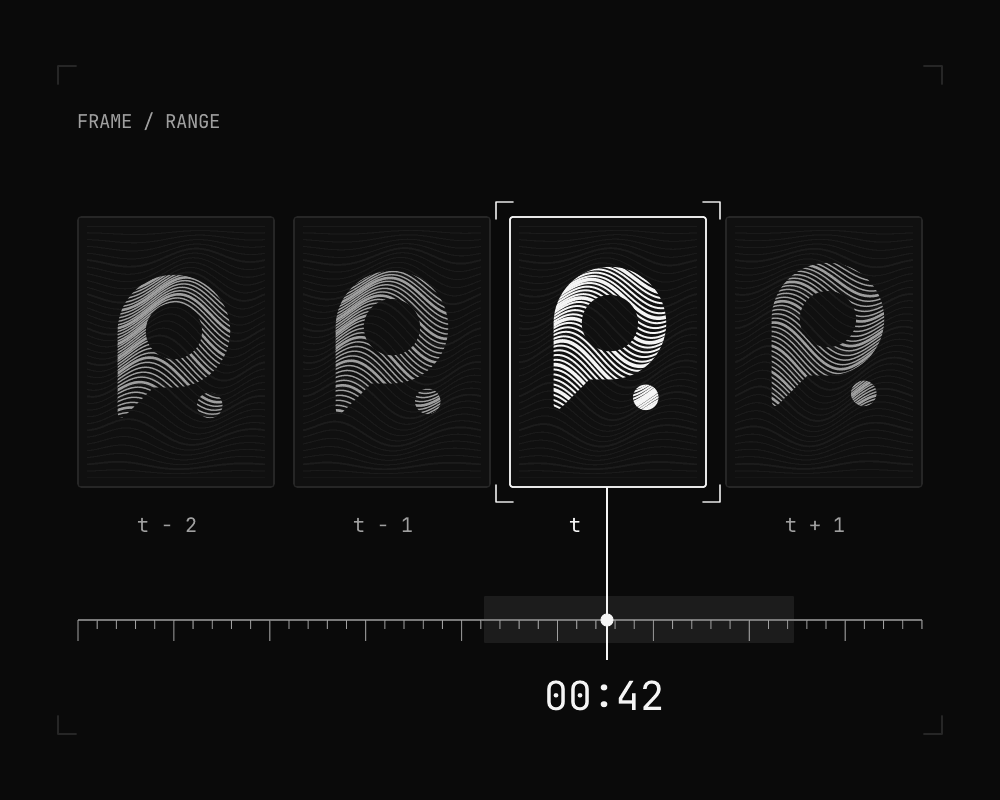
Leave feedback on a moment or a range. Open a comment and jump straight to the right frame — no more “somewhere around forty seconds”.
New pins, mentions and status changes go straight to your team’s channels. Route each event to the people who need it, whether it came from a website, a PDF or a video.
Explore notification routingBring your live site, a staging URL, a PDF, an image or a video. Share one link. Your reviewers install nothing and don’t need an account.
Click an element, select a region or pin a video frame. Pogpin captures what matters: the element and browser, the document page or the exact timecode.
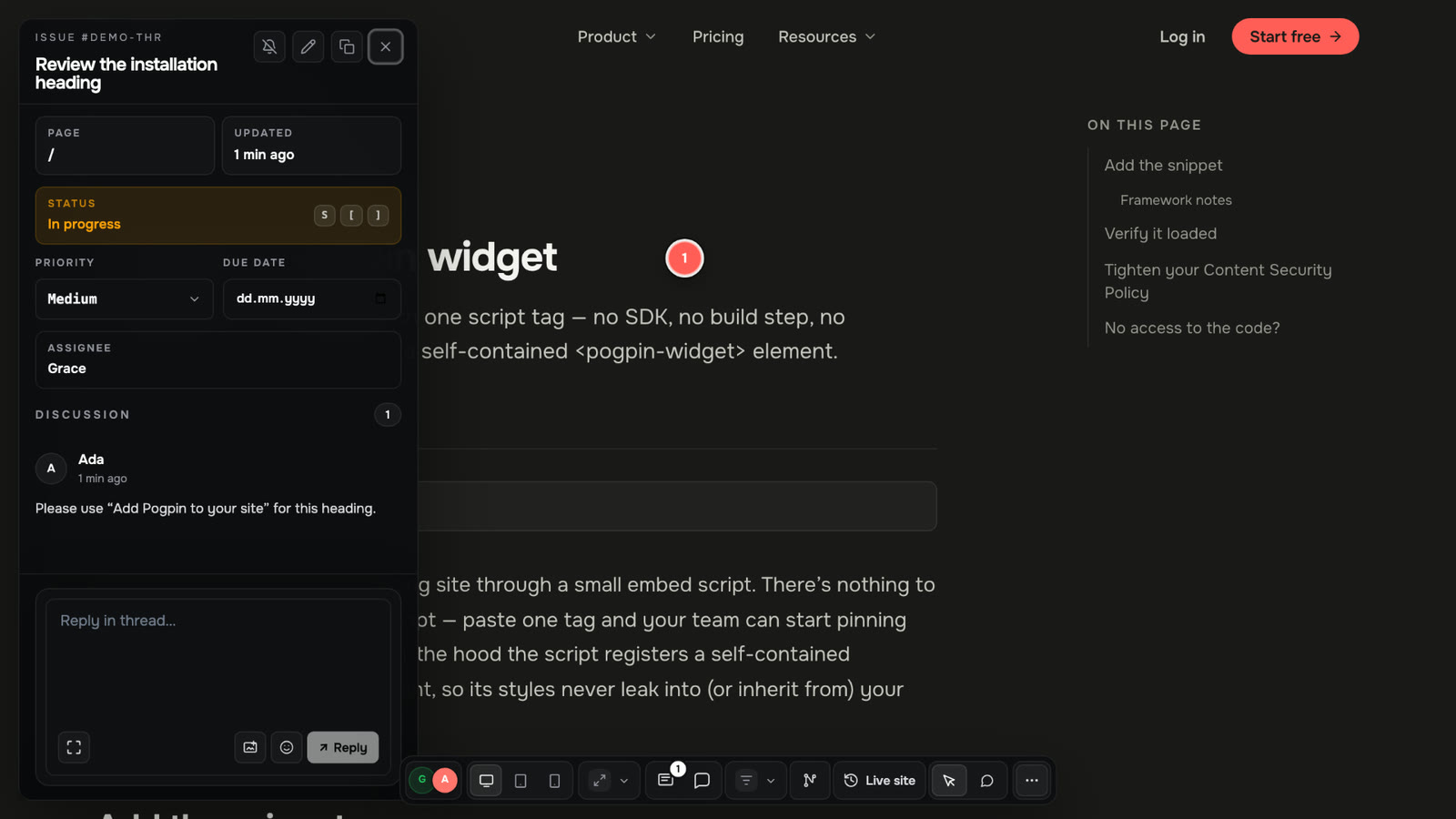
Every pin becomes a tracked issue with a status, priority and assignee. Reply in the thread and @mention the person who can move it forward.
Review the fix, mark it done and keep everyone in sync. The conversation stays attached to the work, not buried in someone’s inbox.
A closer look at what happens between “this needs work” and “looks good to me”.
Sites, PDFs, images and video — the same simple review flow.
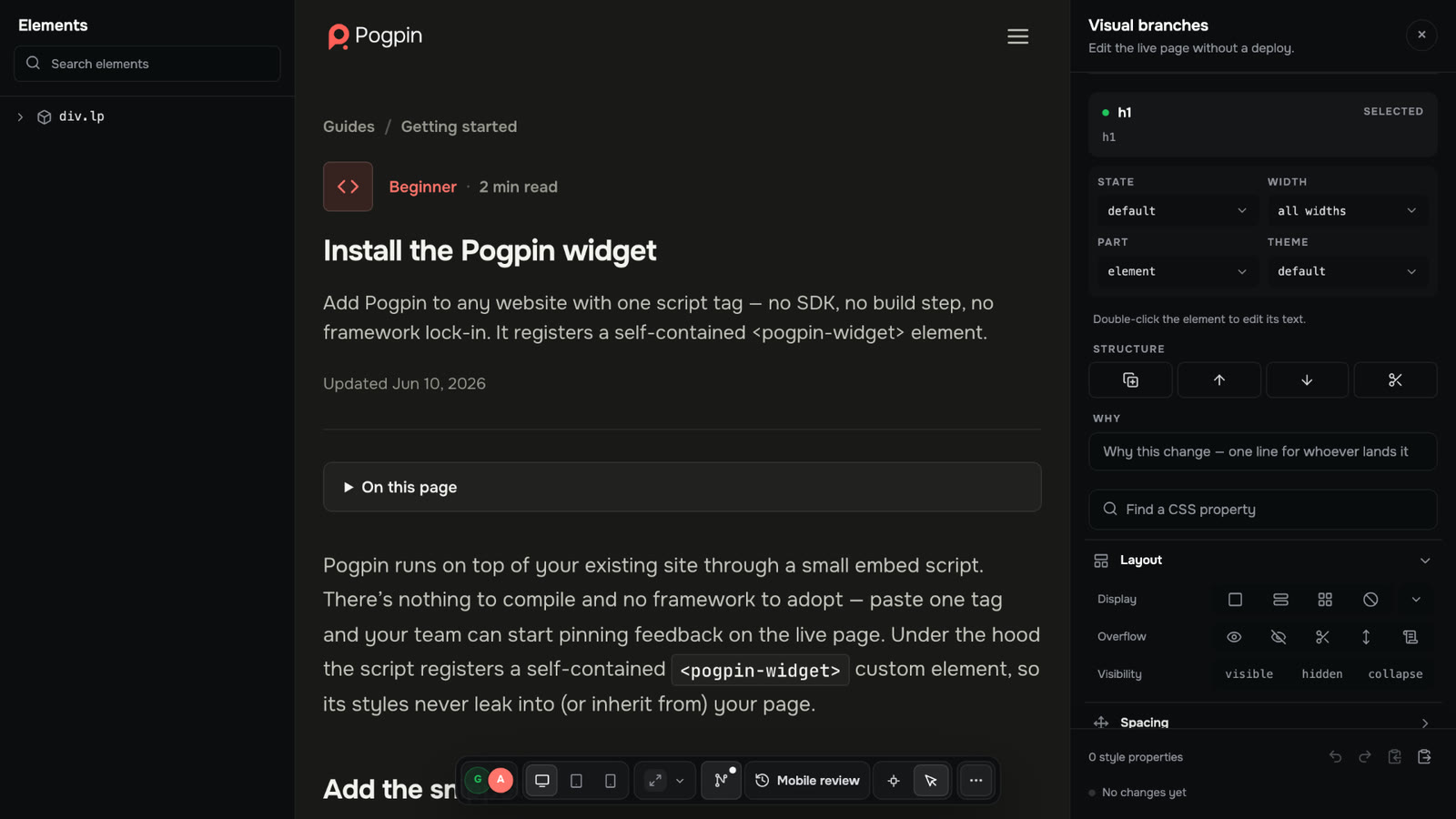
Product walkthrough · No audioChange the text, colour, spacing and layout of a live page. No deploy. No code branch. Visual branches let you show the fix, not just describe the problem.
Feedback, context and tracking.
Finally in the same tool.
Zero-install reviews for clients. No account, no extension and no new process to learn.
Browser, OS, viewport, URL and the exact element are captured automatically with every site pin.
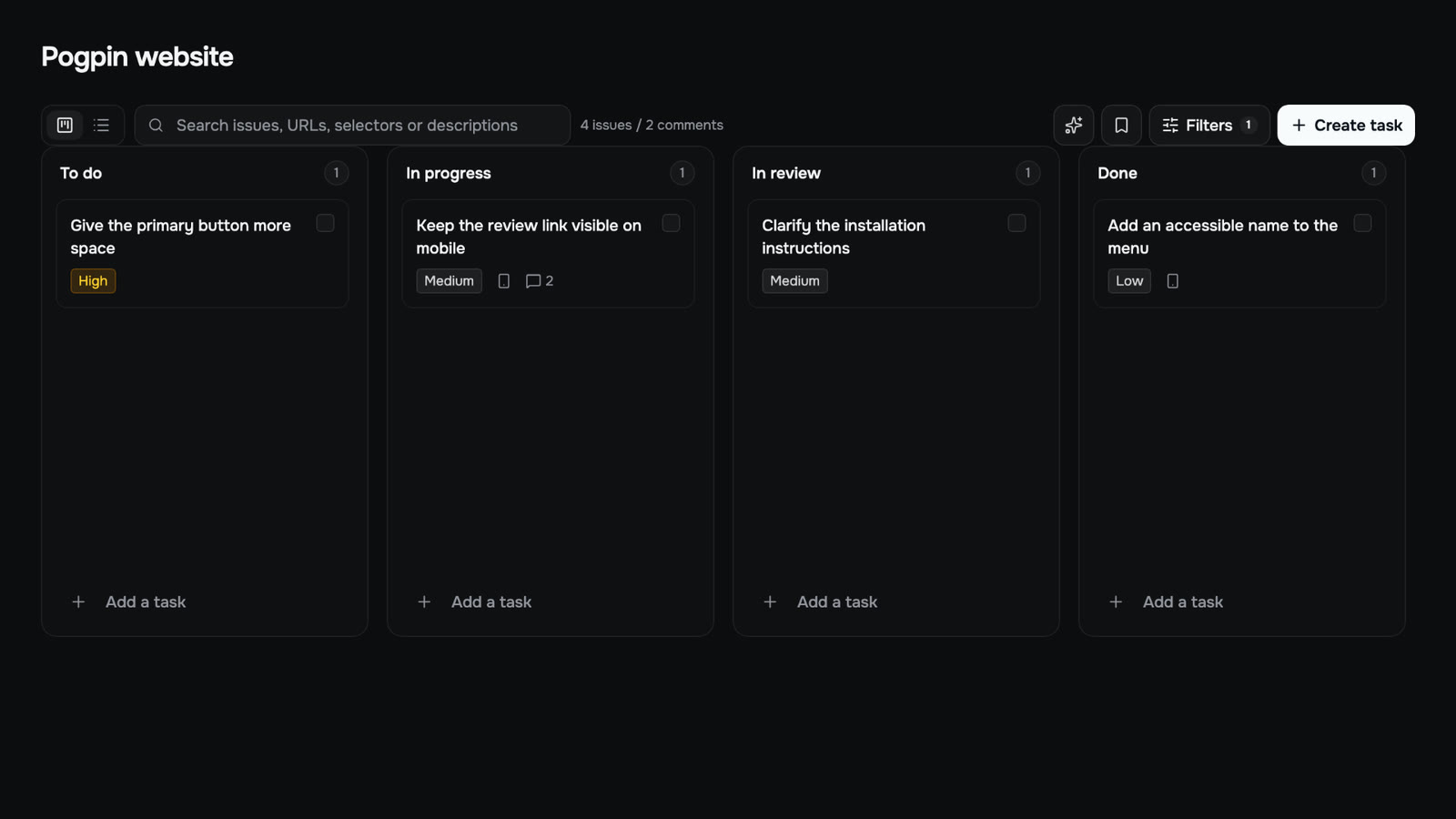
Statuses, priorities, assignees and a board view. Every issue stays linked to the thing it’s about.
Live presence, threaded replies and @mentions. Everyone sees the update the moment it happens.
Use the widget, Chrome extension or proxy review mode. Work on public, staging and authenticated sites.
Publish documents as shareable pages with guest comments, your brand and your own custom domain.
More than a markup tool. Lighter than a separate tracker, a screenshot folder and an inbox full of feedback.
| What your team needs | Pogpin | Markup tool | Tracker + email |
|---|---|---|---|
| Live sites, staging & pages behind a login | Yes | Yes | — |
| PDFs, images & timecoded video | Yes | Partial | — |
| Browser, viewport & exact element captured | Yes | Partial | — |
| Zero-install guest reviews | Yes | Yes | — |
| Edit the live page without a deploy | Yes | — | — |
| Export changes as an AI-ready prompt | Yes | — | — |
| Built-in accessibility & layout audit | Yes | — | — |
| Custom review breakpoints | Yes | Partial | — |
| Statuses, priorities, assignees & board | Yes | — | Yes |
| Every issue linked to its exact element | Yes | Partial | — |
| Discuss & resolve without a second tool | Yes | — | — |
| Real-time presence & threaded replies | Yes | Partial | Partial |
| Mentions & notifications | Yes | Yes | Yes |
| Slack, Discord, Telegram & webhooks | Yes | Partial | Add-ons |
| Publish docs on a custom domain | Yes | — | — |
| Free plan to start | Yes | Trial | Yes |
Clients and guests are free on every plan. You pay for the sites you run, not the people who comment.
Nothing is billed today. No credit card, no checkout — just bring something to review.
Nothing is billed today, and there is no card to enter. The plans behind this notice are the pricing we intend to introduce once beta ends. These are planned monthly prices, not a current offer.
Run one real client site end to end.
Planned after beta
For one developer looking after a few sites.
Planned after beta
For freelancers and small studios shipping client work.
Planned after beta
For teams running many client sites under their own brand.
Planned after beta
No credit card. No account for reviewers.